A free IPTV trial is only useful if you test it properly, and most people do not. They start the trial, watch five minutes of a channel they do not care about, and then either buy on hope or walk away on a guess. Both are mistakes. Twenty-four hours is enough time to learn everything you need to know about an IPTV service — but only if you spend those hours the way you will spend the paid year. This guide gives you the tests that matter, in the order that matters, so the trial tells you the truth before you spend a dollar.
The first tip is about timing, and it is the one people get wrong most often. Start the trial in the late afternoon, not at midnight and not on a morning when you will be out all day. A trial that starts at 4 p.m. covers the evening games, the prime-time shows and the next morning's news — the hours you actually watch. A trial that starts at 2 a.m. wastes a third of itself while you sleep. Message us on WhatsApp at +212 604 034 330 in the afternoon, get the login, install the player app with the install guide, and plan the evening the way you would plan a test drive: pick the channels, the game and the movie in advance.
IPTV trial tips: the five tests that matter
Test one is the prime-time load test. At 8 p.m., when the most people are streaming, switch between ESPN, HBO and a local network channel and count the seconds each channel takes to appear. A good service loads a channel in a couple of seconds. A service that takes ten seconds at prime time will take longer on a Sunday. Test two is the full-game test: leave a live NFL or NBA game running for a full quarter, or a full half, and watch for freezing or buffering. Freezing that only shows up after twenty minutes is the fault that ruins a Sunday, and it is the fault a five-minute test never finds.
Test three is the 4K movie test. Put on a movie in 4K on your biggest TV and sit where you normally sit, while a second device streams in another room. A service that only works when one device is connected is not a service for a family. Test four is the guide test: open the TV guide, check three channels against what is actually showing, and search for a film you know by name. A guide that is hours out of date will waste your evenings. Test five is the support test: message WhatsApp during the trial with a real question and time the reply. Support that answers before you pay is support that will answer after you pay.
What to watch during your IPTV trial
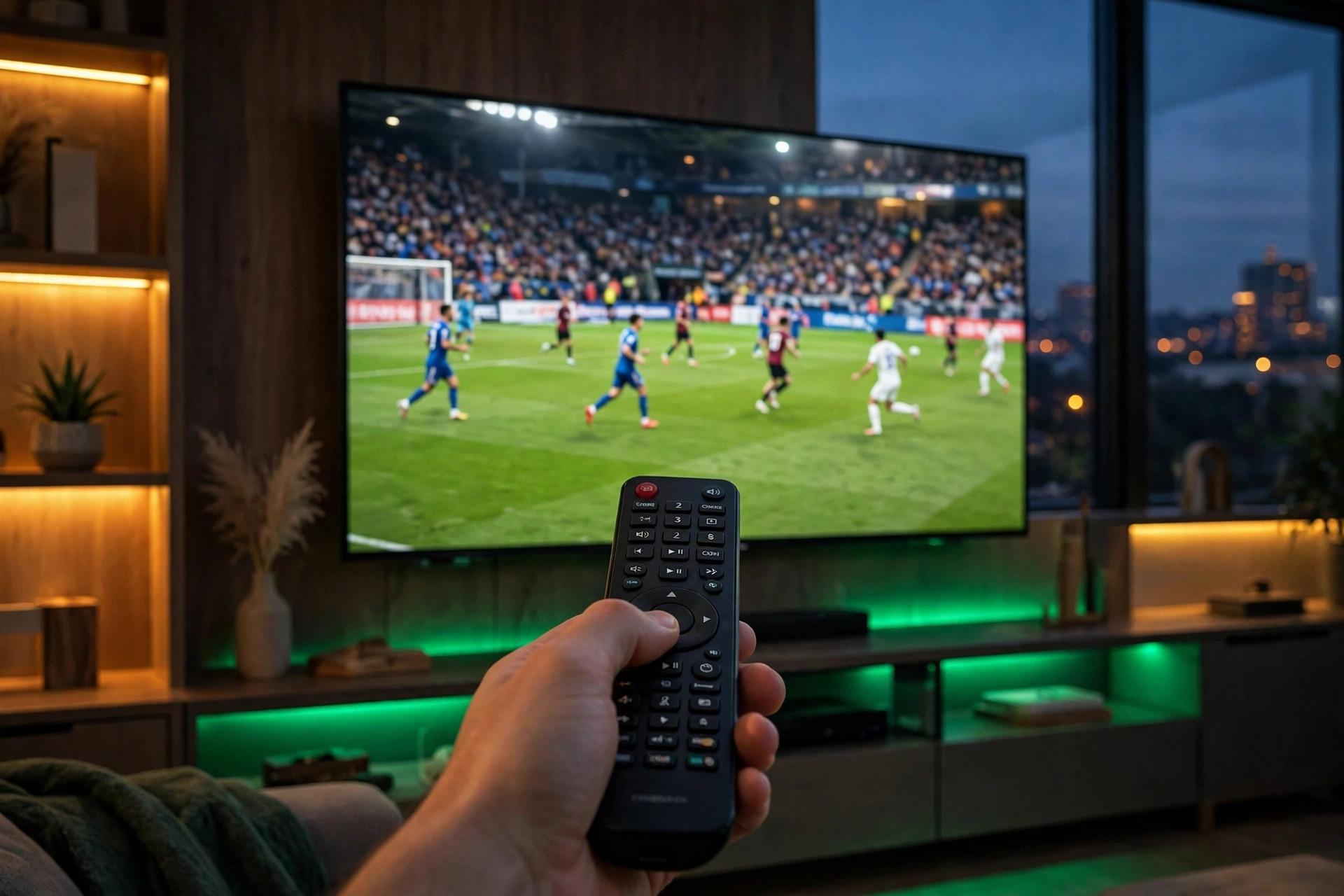
Watch what you actually watch, not what the trial suggests. Make a short list before you start: the three channels your household names out loud, the team you follow, the show you never miss, and the movie you have been meaning to watch. For most American homes the list means ESPN for sports, one of the big broadcast networks for the evening news, HBO or Showtime for a film, and the kids' channels if you have children. If those channels work, the service works for you. If the trial only shows you channels you never watch, you have learned nothing, however good the picture looks.
Also test the on-demand library, because that is where the yearly saving comes from. The Premium library holds 185,000+ movies and 49,000+ series. Search for a film you know well, check the sound and subtitles, and try resuming it on a different device. If your household pays for two or three streaming apps, the trial is the moment to find out whether one of them can be cancelled. Add up those monthly bills and compare them with the plans page: the 12-month Premium plan at $99.99 is $8.33 a month, which is less than a single streaming app in most homes. The library is one reason the yearly plan wins, as shown in our yearly vs monthly guide.
IPTV trial tips: mistakes that waste the 24 hours
The biggest mistake is testing on the wrong device. If you will watch on the living-room TV, test on the living-room TV — not on a phone in the kitchen. The phone test tells you about the phone, and the TV is where the money goes. The second mistake is testing at the wrong time: a service that works at 10 a.m. on a Tuesday can struggle at 8 p.m. on a Sunday, and Sunday evening is when you watch. The third mistake is testing alone when the house watches together: run a second stream during the trial, because a service that fails with two screens will fail every night in a family home. The fourth mistake is never messaging support. The trial is the time to find out how fast a real person replies, and that answer is worth as much as any channel test.
The fifth mistake is buying before the trial ends. There is no reason to rush: the yearly plan at $99.99 will still be there tomorrow, and the saving of $139.89 against monthly does not expire at midnight. Use the full 24 hours. Watch the evening, sleep on it, and watch the morning news before you decide. A decision made after a full trial is a decision you will not regret, and a decision made after five minutes is a gamble. If the trial shows a problem, tell us on WhatsApp — we would rather fix it during the trial than lose you after it. The $99.99 plan is explained in our yearly plan guide.
The trial is the whole point of the deal, and it costs nothing to use it properly. Message us on WhatsApp at +212 604 034 330 and ask for the free 24-hour trial. We activate it, send your login details, and you install the player app for your device — Firestick, Smart TV, Android, iPhone, Apple TV, Windows or Mac — following the install guide. Then watch what you actually watch: your team's game in the evening, a movie in 4K after dinner, the morning news on the kitchen TV. If the picture holds up when everyone in the house is online, the service is worth paying for. If it does not, you have spent nothing and learned everything.
After the trial: turning a good test into a good deal
When the trial passes, the decision is about money, and the maths is simple. The monthly Premium plan is $19.99, which is the right choice for one more month of proof. The 3-month plan at $49.99 drops the cost to $16.66 a month, and the 6-month plan at $79.99 drops it to $13.33. The best value is the 12-month Premium plan at $99.99, which is $8.33 a month and saves $139.89 against twelve monthly payments. Basic starts at $14.99 a month and $59.99 for the year if you only need 10,000+ channels in HD and Full HD. Compare every option on the plans page and pick the one that matches how long you are willing to commit — after the trial has already told you the service is worth it. If the trial passed on a Firestick, the Firestick deals guide has the device-specific steps.
If the trial fails, you have spent nothing, and that is the design. No card was taken, no subscription started, and no one will chase you for payment. Tell us what failed on WhatsApp, and we will either fix it or tell you honestly that another setup fits you better. And if the trial passes and you buy, the refund policy still covers your first purchase: 7 days on short plans and 30 days on yearly plans, with a refund to your original payment method if the service does not work and support cannot fix it. Trial first, then pay, then a refund window behind that — that is how buying IPTV in the USA should work.
Trial tips checklist: your 24-hour plan
- Start in the late afternoon so the trial covers the evening games, prime-time shows and the next morning's news.
- List your channels first: the three your household names, your team, your show, and one movie to test in 4K.
- Run the five tests: prime-time load, full game, 4K movie with a second screen, TV guide, and a support message.
- Test on the real TV, at the real time, with the real number of screens — not on a phone at 10 a.m.
- Use the full 24 hours: watch the evening, sleep on it, and decide in the morning, not after five minutes.
A trial is a test drive, and a test drive only works if you drive the car the way you will drive it every day. Take the free 24-hour trial, run the five tests, and let your living room decide. Message us on WhatsApp at +212 604 034 330 to start, and if the service passes, the plans page has the yearly deal waiting at $99.99. If it does not pass, you have learned that for free, which is exactly what a trial is for.
The refund policy is the safety net under every plan, and it is worth reading before you pay. If the service does not work and our support team cannot fix it, you can ask for a refund within 7 days of purchase — 30 days for yearly plans. Refunds go back to the original payment method within 5 to 10 business days. The full rules are on the refund policy page, including what is not covered, such as problems caused by your own internet connection or a third-party player app. Read it once, then pay with confidence, because the trial plus the refund window means you are never locked into a service that does not work for you.
The trial is also the time to learn the service, not just to judge it. Use the 24 hours to set up your favorites, learn the TV guide, and try the features you will use every day — catch-up, search, and switching between live TV and the movie library. A service you know how to use is a service you will enjoy, and the trial is the free lesson. Message us on WhatsApp at +212 604 034 330 if anything is unclear during the trial, because the support team that helps you learn the service is the support team that will help you keep it running all year.
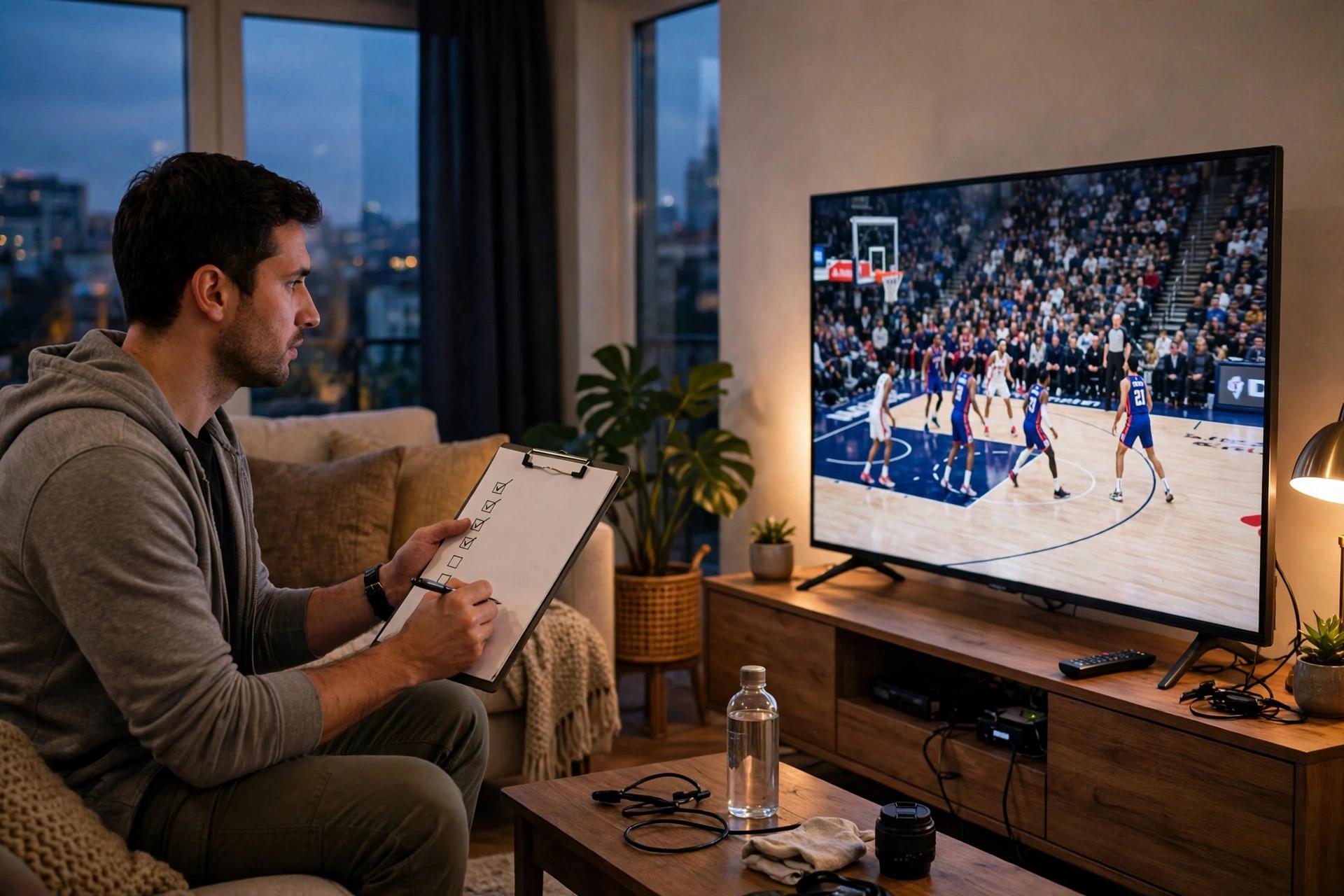
Write your five test results down before the trial ends — which channels loaded fast, whether the game froze, how the 4K movie looked, whether the guide matched, and how fast support replied. A written verdict beats a feeling when the trial is over and the decision is due.