A free trial is the only honest way to buy IPTV in the United States, and the reason is simple: no sales page can tell you how a service behaves on your internet, on your TV, at 8 p.m. on a Sunday when half the country is watching football. A 24-hour trial puts the service in your living room under real conditions. You see how fast channels load, whether the picture holds up during a big game, and whether the guide matches what is actually on. That is worth more than any list of features, because a channel list is a promise and an evening of viewing is proof. Best IPTV Deals USA gives every new customer that proof first, for free, with no card on file.
Here is what the trial actually includes. You get the full Premium service for 24 hours: 57,000+ live channels including ESPN, NFL Network, NBA TV, HBO, Showtime, AMC, FX, TNT and the local broadcast networks, plus 185,000+ movies and 49,000+ series on demand in HD, Full HD, 4K and 8K where the channel supports it. Sports and pay-per-view events are included, the TV guide works, and you can watch on Firestick, Smart TV, Android, iPhone, Apple TV, Windows or Mac. Nothing is held back for paying customers. The point is that you test the real thing, not a demo with the good channels switched off.
IPTV free trial USA: how to start in five minutes
Starting takes about five minutes, and there is no form to fill in and no card to enter. Send a WhatsApp message to +212 604 034 330 and say you want the free 24-hour trial. Our team activates it and sends your username, password and server address. Then open the install guide and pick your device: on a Firestick you install IBO Pro Player via Downloader (ask on WhatsApp for the current code), on a Samsung or LG Smart TV you install IBO Player from the app store, and on Android or iPhone you install IPTV Smarters Pro or TiviMate and log in with Xtream Codes. Enter the details we sent you, wait for the playlist and the guide to load, and you are watching. If anything sticks, message us on WhatsApp and a technician walks you through it — free remote installation is part of the service.
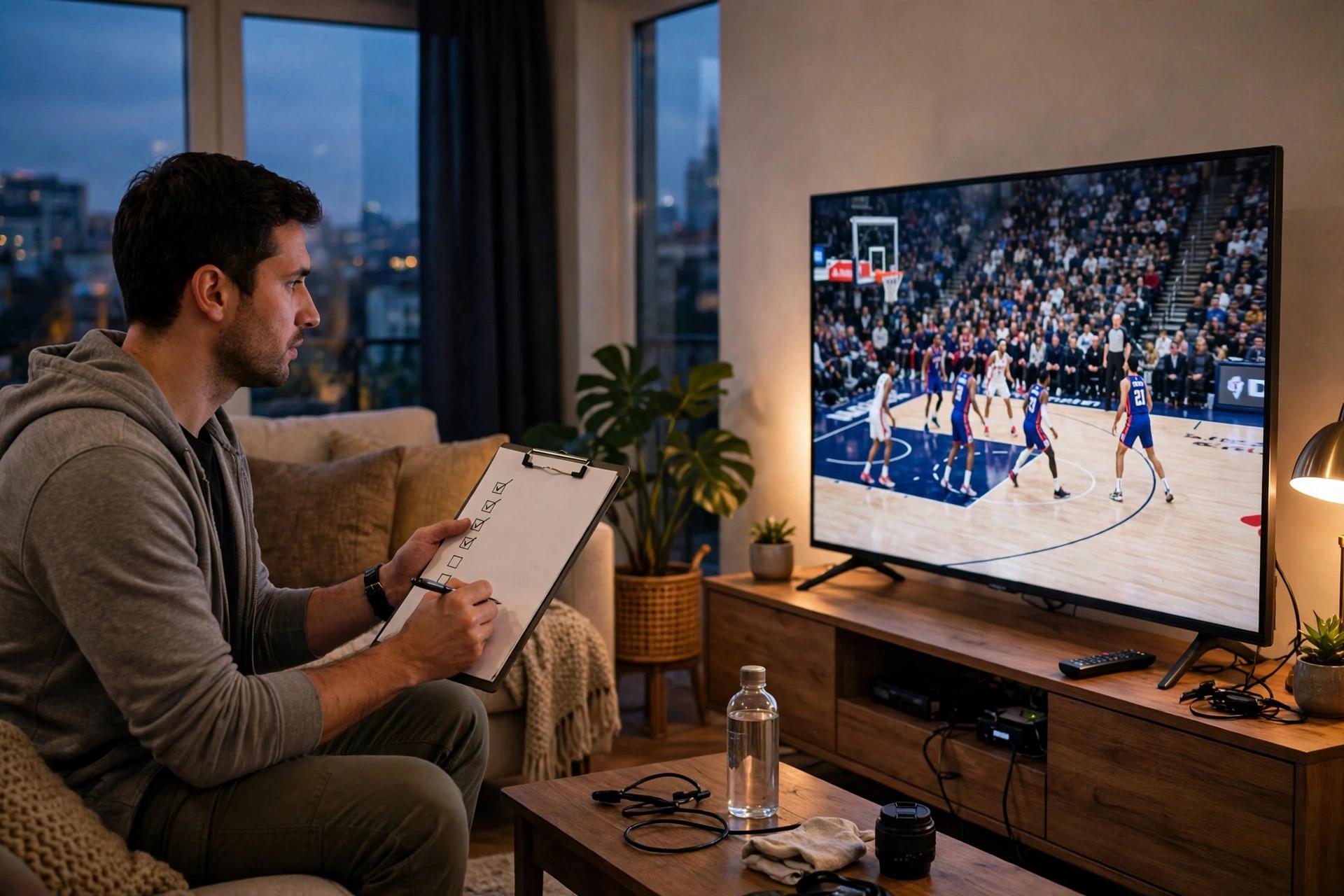
One warning about the clock: the trial lasts 24 hours from activation, so start it when you can actually watch. The best time is late afternoon, so the trial covers the evening games, the prime-time shows and the next morning's news. Starting it at 2 a.m. and going to bed wastes a third of it. Plan the evening the way you would plan a test drive: pick the three channels that matter most to your household, a movie you have been meaning to watch, and a live game. If those three things work, the service works for you.
What to test during your 24-hour IPTV trial
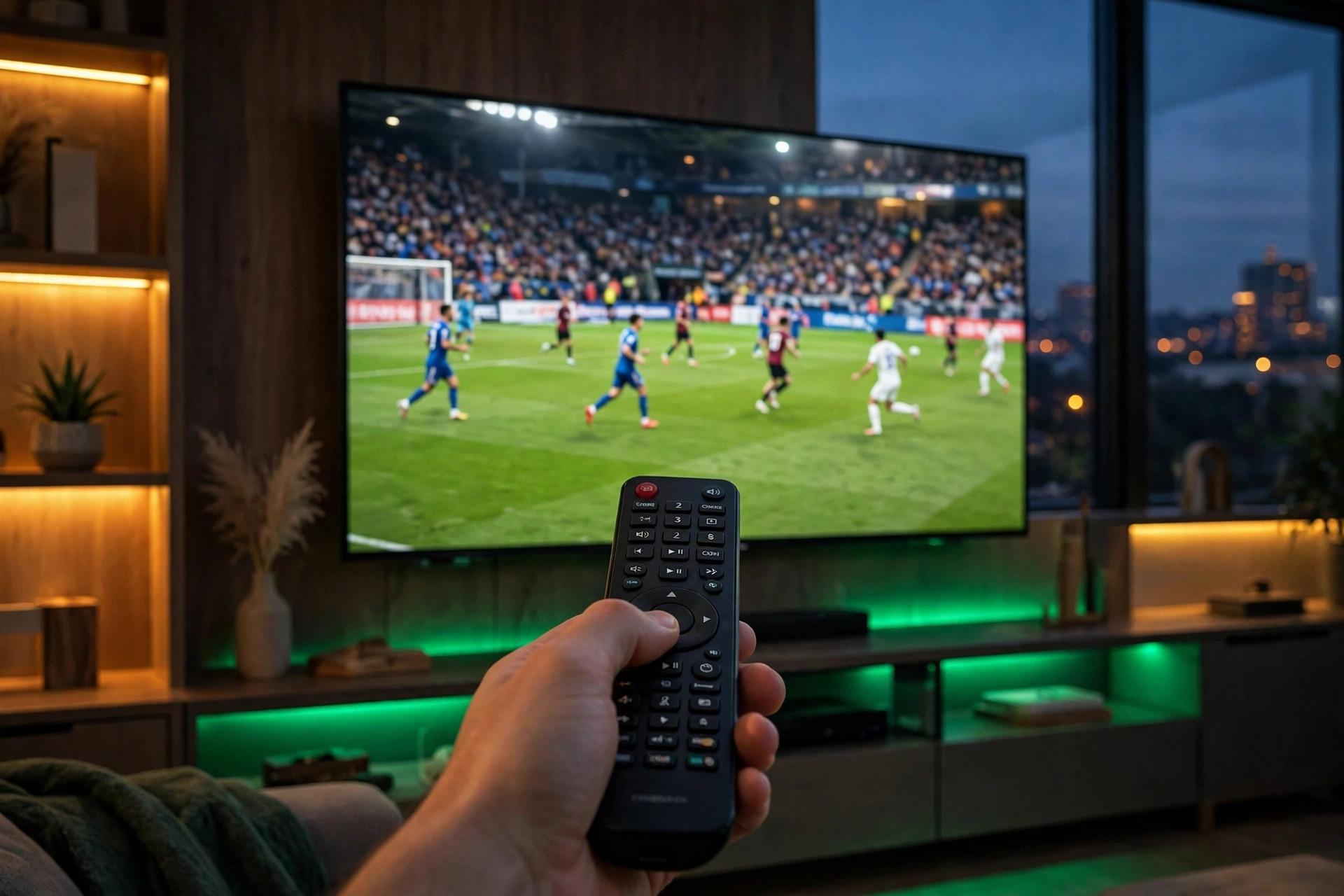
Test in the order your household actually watches. First, open the channels you watch every week — for most American homes that means ESPN for sports, one of the big broadcast networks for the evening news, HBO or Showtime for a movie, and the kids' channels if you have children. Switch between them a few times and notice how long the picture takes to appear. A good service loads a channel in a couple of seconds. Then leave a live game running for a full quarter or a full half. Freezing that only shows up after twenty minutes is exactly the kind of fault a five-minute test misses, and it is the fault that ruins a Sunday.
Second, test the picture quality honestly. Put on a movie in 4K on your biggest TV and sit where you normally sit. Then, while it plays, start a second stream on a phone or a tablet in the next room. A service that only works when one device is connected is not a service for a family. Check the TV guide too: open it, pick a channel, and see whether the program listed is the program showing. A guide that is hours out of date will waste your evenings. Finally, send a message to support on WhatsApp during the trial and see how fast a real person replies. Support that answers before you pay is support that will answer after you pay.
Do the arithmetic before you pick a plan, because the gap between monthly and yearly is where the real deal lives. Twelve months of Premium at the monthly rate of $19.99 comes to $239.88. The 12-month Premium plan costs $99.99, so you keep $139.89 in your pocket for the same service. Basic shows the same pattern: twelve months at $14.99 is $179.88, while the 12-month Basic plan is $59.99, a saving of $119.89. Even the 3-month Premium plan at $49.99 beats three single months at $59.97, and the 6-month plan at $79.99 beats six single months at $119.94 by $39.95. These are not invented discounts. They are the published prices on the plans page, and any honest comparison starts by writing them down side by side. The full year-by-year comparison is in our yearly vs monthly guide.
IPTV free trial USA: the channels and sports to check first
American viewers buy IPTV for three things: live sports, the big American channels, and a movie library that replaces two or three streaming apps. During the trial, check the sports first, because that is where a weak service falls apart. Open ESPN and ESPN2, then NFL Network on a Sunday, NBA TV on a game night, and FS1 for a big match. If you follow soccer, check the Premier League and Champions League coverage. Then check the entertainment channels your household names out loud: HBO, AMC, FX, TNT, TBS, USA Network, CNN and the local ABC, CBS, NBC and FOX feeds. A service that carries the channels your family asks for by name is the service that gets watched every day.
Do not forget the on-demand library, because that is where the yearly saving comes from. The Premium library holds 185,000+ movies and 49,000+ series, and the trial gives you all of it. Search for a film you know well, check whether the sound and subtitles work, and try resuming it on a different device. If your household currently pays for two or three streaming apps, add up those monthly bills and compare them with the plans page — the 12-month Premium plan at $99.99 is $8.33 a month, which is less than a single streaming app in most homes. The trial is the moment to confirm the library is good enough to cancel something else.
Free trial checklist: five tests before you pay
- Prime-time load test: switch between ESPN, HBO and a local network channel at 8 p.m. and count the seconds each channel takes to appear.
- Full-game test: leave a live NFL or NBA game running for at least one full quarter and watch for freezing or buffering.
- 4K movie test: play a movie in 4K on your biggest TV while a second device streams in another room.
- Guide test: open the TV guide, check three channels against what is actually showing, and try the search for a film you know.
- Support test: message WhatsApp during the trial with a real question and time the reply.
After the trial: which plan gives you the best value
When the 24 hours are up and the service has passed your tests, the decision is about money, not trust. The monthly Premium plan is $19.99, which is the right choice if you want one month to be sure. The 3-month plan at $49.99 drops the effective monthly cost to $16.66, and the 6-month plan at $79.99 drops it to $13.33. The best value is the 12-month Premium plan at $99.99, which is $8.33 a month and saves $139.89 against twelve monthly payments. Basic starts at $14.99 a month and $59.99 for the year if you only need 10,000+ channels in HD and Full HD. Compare every option on the plans page and pick the one that matches how long you are willing to commit. If you want the cheapest route after the trial, our cheap IPTV deals guide lays out every price, and the trial tips show how to test properly.
If the trial did not convince you, you have lost nothing, and that is the whole design. No card was taken, no subscription was started, and no one will chase you for payment. You can tell us what did not work on WhatsApp, and we will either fix it or tell you honestly that another setup fits you better. And if the trial did convince you, the refund policy still covers your first purchase: 7 days on short plans and 30 days on yearly plans, with a refund to your original payment method if the service does not work and support cannot fix it. Trial first, then pay, then a refund window behind that — that is how buying IPTV in the USA should work.
The trial is the whole point of the deal, and it costs nothing to use it properly. Message us on WhatsApp at +212 604 034 330 and ask for the free 24-hour trial. We activate it, send your login details, and you install the player app for your device — Firestick, Smart TV, Android, iPhone, Apple TV, Windows or Mac — following the install guide. Then watch what you actually watch: your team's game in the evening, a movie in 4K after dinner, the morning news on the kitchen TV. If the picture holds up when everyone in the house is online, the service is worth paying for. If it does not, you have spent nothing and learned everything.
One more thing the trial settles that no review can: how the service behaves on your exact setup. Your internet speed, your router, your TV model and the hour you watch all change the result, and only a trial on your own equipment shows the truth. That is why the trial is free and the setup help is free too — message us on WhatsApp at +212 604 034 330 if the app asks for something you do not recognise, and a technician will walk you through it. Take the trial, watch a full evening, and let your living room make the decision. If it works there, it works, and the plans page will still be there in the morning with the yearly plan at $99.99 waiting. For a device-by-device setup, the Firestick deals guide walks through the most popular box in American homes.